 awthor
Completely free and open
Awthor has no paid tier and publishes its source under AGPL-3.0. Writers and developers can inspect the implementation or run their own deployment.
An honest writing-app comparison
Awthor and Scrivener solve different versions of the long-form writing problem. Awthor favors a minimal browser workspace, local-first storage, and portable Markdown. Scrivener offers a deeper, mature native environment for complex projects and production.
What you get
Awthor is not trying to reproduce every Scrivener feature in a browser. It is a good candidate when the priorities are low setup, inspectable software, a calm interface, and control over portable text.
01
Scrivener is the stronger choice when a project depends on a mature native desktop experience, advanced outlining, corkboard planning, a detailed project binder, or extensive research kept beside the draft. Literature & Latte describes workflows for rearranging project sections, viewing research such as PDFs and web pages alongside the manuscript, and moving between editor, corkboard, outliner, and Scrivenings views.
It also has a far more sophisticated Compile system for turning a structured draft into different submission and publishing outputs. Writers with complex professional publishing workflows, large collections of research, or established Scrivener practices should not expect Awthor's smaller toolset to replace that depth.
02
Awthor can suit a novelist who wants to open a URL and write, without buying a licence, installing a desktop application, or creating an account. Books are local to the browser by default, and the interface keeps the manuscript closer than the project machinery.
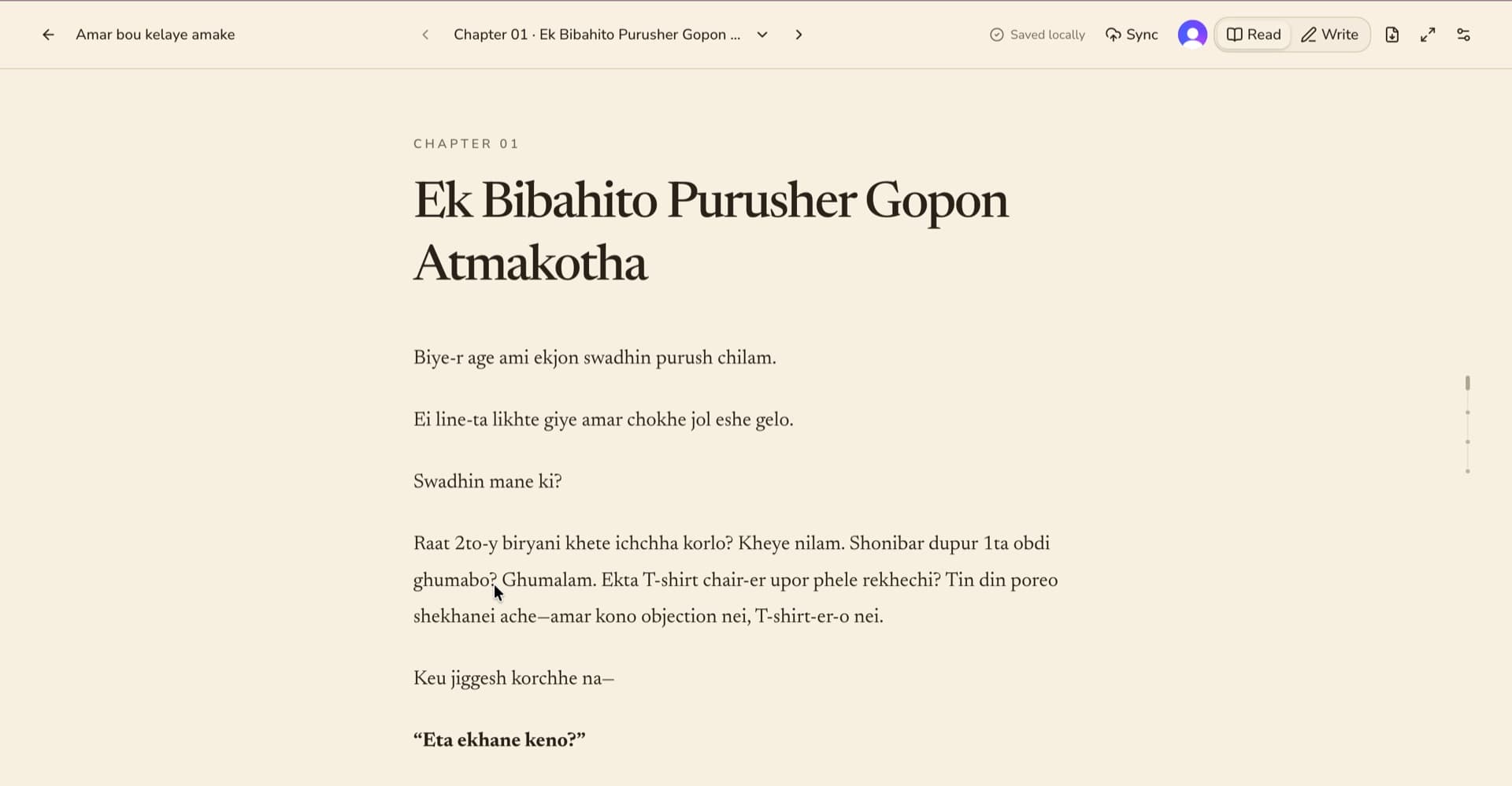
Its chapters are written in Markdown and can be exported together as Markdown, PDF, or EPUB. Harper proofreading runs on-device. Optional sync is available when another device matters, while writers who remain local can rely on their own downloadable backups.
03
Awthor's default workspace lives in browser storage rather than a native project bundle. That removes installation and account requirements, but browser data can disappear if site storage is cleared, the profile is reset, or the device is lost. Regular external backups are essential.
Scrivener is a native application built around project files and established desktop workflows. If direct file-system project management, offline desktop conventions, or long-lived platform tooling is central to your process, that model may feel more dependable and familiar.
04
The best comparison is your own working method. Try one representative chapter, a few character or setting notes, a local proofread, and each export format you expect to use. Confirm that the result fits your editor, collaborator, or publishing handoff before moving an entire manuscript.
Awthor does not promise one-to-one compatibility with every Scrivener project feature. Keep the original project and independent backups during any evaluation or migration.
Side-by-side
| Workflow | Awthor | Scrivener |
|---|---|---|
| Access and licence | A free web application with public AGPL-3.0 source. Local writing requires neither an installation nor an account. | A proprietary native product sold under platform licences for macOS and Windows, with a separate iOS app. |
| Writing surface | A focused Markdown editor and reading view with lightweight chapter organization and supporting drawers. | A mature native editor within a deep project environment designed for long documents. |
| Planning | Reorderable chapters, chapter arcs, character dossiers, settings, and counts without a large planning system. | Integrated binder, project outline, corkboard, outliner, metadata, and flexible restructuring workflows. |
| Research | Compact character, setting, and chapter-arc references close to the draft. | A stronger research workspace that can keep notes, photographs, PDFs, web pages, and earlier sections beside the current text. |
| Output | Direct export to combined Markdown, PDF, and EPUB, plus a separate restorable workspace backup. | A more sophisticated Compile workflow for assembling and reformatting a project for print, self-publishing, and formats including Word, PDF, Final Draft, and plain text. |
| Storage and sync | Browser-local IndexedDB by default, with explicit opt-in account sync and downloadable backups. | Native project files and platform-specific applications; consult Literature & Latte's current guidance for cross-device workflows. |
| Extensibility | Developers can inspect, modify, self-host, and contribute. Trusted AI clients can use opt-in WebMCP or remote MCP boundaries. | A larger established product ecosystem with extensive official learning resources and mature professional workflows. |
| Best fit | Writers prioritizing simplicity, open source, browser access, local-first behavior, and Markdown portability. | Writers prioritizing detailed planning, substantial research organization, native desktop depth, and advanced manuscript production. |
Product capabilities can change. These first-party Literature & Latte pages were used to verify the Scrivener descriptions above.
Explore Awthor
Read about the free feature set, AGPL-3.0 licence, portable formats, and ways to contribute.
Read moreSee what remains local, when sync begins, what can contact external systems, and why backups matter.
Read moreExplore the library, chapter editor, manuscript reading view, proofreading, and optional sync.
Read moreYour next chapter
No setup ceremony
Begin anywhere
Open Awthor in your browser, create a book, and keep the first draft on this device. No account or payment step stands between you and the page.