 awthor
Open under AGPL-3.0
Awthor's source is public under the GNU Affero General Public License v3.0. You can inspect how it works, run it yourself, modify it, and contribute improvements under the licence's terms.
Free · Open source · Writer-owned
Awthor is a completely free browser workspace for planning, drafting, and finishing a novel. Its code is open, its working format is portable, and an account is never the price of starting a book.
What you get
Freedom matters most when it reaches the everyday workflow. Awthor pairs an inspectable codebase with the focused tools a novelist uses chapter after chapter.
Awthor's source is public under the GNU Affero General Public License v3.0. You can inspect how it works, run it yourself, modify it, and contribute improvements under the licence's terms.
01
Awthor has no pricing tier. You can create a library, organize chapters, draft, proofread, and export without paying or creating an account. Local writing is the full starting point, not a limited trial designed to force an upgrade.
The manuscript is stored in your browser by default. Optional account sync is available for writers who deliberately want their library on another device, but it is separate from the basic act of writing.
02
Awthor stores chapter text as Markdown rather than hiding every word behind an opaque editor. Combined Markdown is useful for plain-text workflows and version control; EPUB and PDF provide ready-to-read exports; and Awthor backup archives are designed to restore the wider workspace.
Portability is not the same as a backup. Browser-local data can be removed when browser storage is cleared, so Awthor includes backup tools and reminders. Download backups regularly and keep copies somewhere you control.
03
Developers can read the application, data, proofreading, sync, publishing, export, WebMCP, and remote MCP implementations in the public repository. The project includes setup notes and validation commands for running a local development instance.
Self-hosters can run the local-only experience without configuring account sync. Optional cloud sync and publishing require their documented services and environment configuration. The AGPL-3.0 licence governs redistribution and network use of modified versions, so review it before deploying your own fork.
04
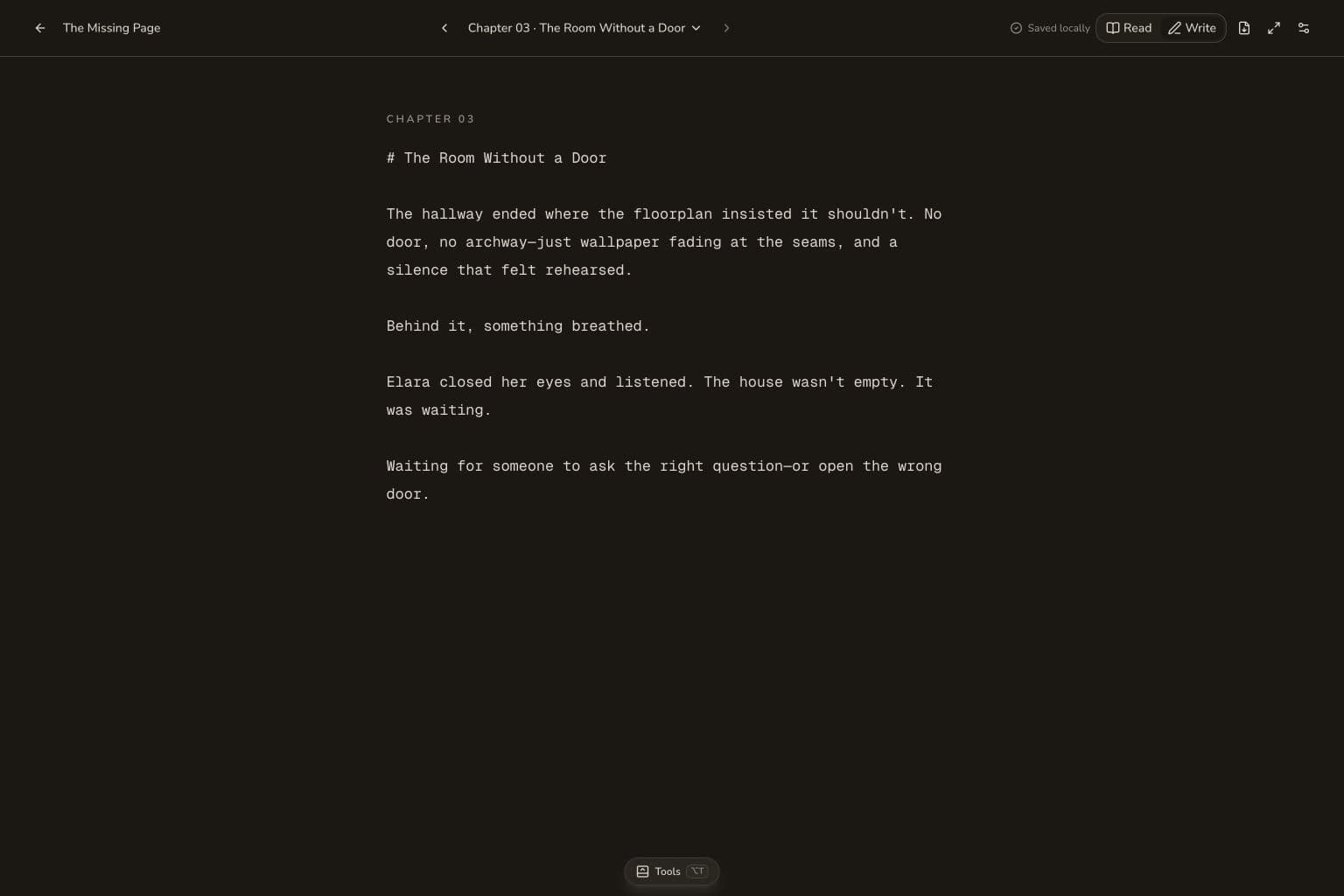
Awthor is deliberately narrower than an all-purpose publishing suite. It centers the book, chapter, and writing view, with characters, settings, arcs, counts, and proofreading nearby when needed.
That smaller surface can be a virtue for writers who want fewer controls between them and the page. Writers who need advanced typesetting, academic research management, or a complex production pipeline may be better served by a more established desktop tool.
Explore Awthor
Understand browser storage, optional sync, local proofreading, and the limits you should plan for.
Read moreSee where Awthor stays intentionally small—and where Scrivener's mature desktop workflow is stronger.
Read moreSee Awthor's library, chapter editor, proofreading drawer, backups, and optional sync.
Read moreYour next chapter
No setup ceremony
Begin anywhere
Open Awthor in your browser, create a book, and keep the first draft on this device. No account or payment step stands between you and the page.